There were 2,556 photos on my iPhone.
Alrighty, yes, I confess to my Instagram obsession. I take a lot of photos during the course of the day. It’s a healthy creative outlet. But I felt bad, my poor iPhone was smoking and screaming for mercy. No more photos until you erase at least half of these, it would warn me. (Insert whiney voice) It’s just such a time suck. Pulling up iTunes, plugging my phone into the computer, synching and dropping off all those photos to my hard drive; boring. Not to mention stressful, did I hit the correct synching boxes this time around? Besides, all the computers in my home are usually occupied at any given moment. I try to avoid “the download” at all costs. My camera roll is proof. Yep 2,556 precious moments paired with my many excuses.
UNTIL NOW!

This app is going to transform your photo handling for-evah. Check it out. It allows you to transfer your photos and videos to your computer wirelessly. WIRELESSLY. You’ll never need to find that white Apple connection cable again. This application COPIES your photos to your computer. It does not move them. The pics remain on your phone to handle how you wish.
All I had to do was, first pay $1.99.

Second, download the PhotoSynch Companion software on to my PC. Takes 30 seconds.
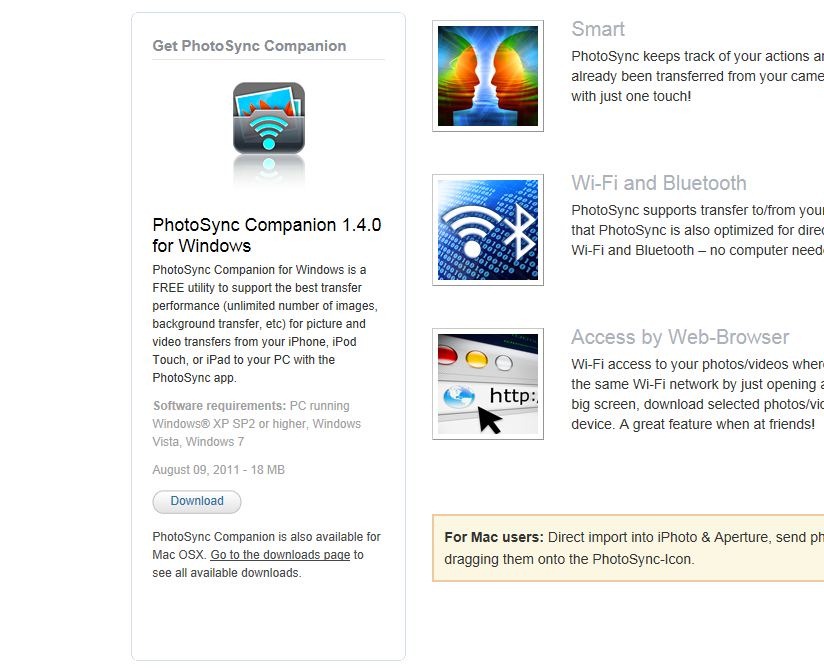
Then select my pics on the ole iPhone, choose my target computer and presto-chango I was done. Trust me, I took this app for a solid test drive. My proper baptism by fire method came in the form of tapping the “Select All” button. Yep, all 2,556 photos. In the blink of an eye, from my phone to my PC were exchanged. Okay a little longer than a blink, but you get the jist.

Easy breezy.
Wait there’s more. You don’t need to stare at your iphone or computer to supervise this effort. The sending exchange will continue in your iPhone’s background even if you receive a phone call from a friend or are hankering to play Angry Birds. Sheer genius.
For my Mac friends out there, I’m sorry, I don’t speak your language. So here is the quote from PhotoSync. All you need to do is “download the free PhotoSync companion software for your Mac. Drag photos/videos onto the PhotoSync icon and they are transferred to your device in seconds.”
To celebrate this joyous occasion, here are some pics I was able to revisit that were trapped deep in the iphone. I am tickled to view them from my PC desk top folder.








Rene says
Hi!
I’m curious though, did it “move” (and delete the pictures from the iPhone) after the sync was done or did you have to delete them yourself?
Kathleen says
Rene. The transfer is copying NOT moving. If you would like to delete the photos from your phone, you do that atferwards on your own. GREAT QUESTION!
Sarah says
YEE-HAW. This sounds like a homerun application. I am running to my iPhone to test it out, that is before MY kids jump on the computers. 🙂 Thanks Kathleen – great find.
Jamie says
Hi Kathleen-
I love your photos. Just curious what type of camera applications do you use? I’m assuming you are on the iPhone…. Your pictures look great. I love taking pictures to and am always looking for the best photography applications for my iPhone.
Thanks,
Jamie
Kathleen says
Thank you sweet Sarah. xo
Kathleen says
Jamie, all my photos on Instagram and above were taken from my iPhone. I use Camera+ to take and edit most all of my photos. I sometimes dabble in Photo Fx for additional editing. Are you on Instagram? Come and find me! @ksugarandspice.
Kelly says
Leen. Sounds great. I have 3000 pix and this is a newer iPhone 🙂
Wondering on your computer do u run windows xp? Vista? Windows7?
Some limitations on my go mini… Shopping for new laptop…
Xo miss u